Incident Response: Lessons from 4+ Years On Call
A recent customer incident made me notice a small but important mistake in my own response process, so I revisited what incident response really means. In my first job, I spent more than four years in a high-intensity on-call rotation while also working on large-scale infrastructure projects. It felt like replacing an engine while the plane was still flying: the system was running, changes kept shipping, and incidents could happen at any moment. This post summarizes the lessons I learned from those years.
Golden Rules of Incident Response
My first job was infrastructure development for a CDN product. Considering the scale of the product, we had quite a few incidents in those years. After being burned enough times, I started to recognize the patterns. I accumulated a lot of lessons the hard way. In this post, I want to summarize the golden rules I kept in mind whenever an incident happened.
Stopping the Bleeding Comes First
The most important principle in incident response is that stopping the bleeding is always the highest priority. This may sound obvious, so let me make it more concrete: during an incident, the root cause is not the focus. The focus is restoring the product and reducing customer impact.
Incident response is like an emergency room. A patient is sent in with severe bleeding. The doctor first stops the bleeding. The doctor does not begin by asking whether the patient was cut by a knife or hit by a car. The patient is in danger. The priority is to keep the patient alive, then investigate the rest.
I learned this lesson during the first production incident I truly handled. At the time, I was in my first annual team performance review. Everyone in the meeting room was presenting their KPI achievements, and suddenly an operations engineer rushed in and said, roughly, stop reviewing performance, a major customer has reported an incident, go investigate now.
Before that, I had only followed senior engineers during incidents. This time, a core module I wrote had broken and affected a major customer. Everyone in the room was watching me debug it. It was my first real incident response, and it was caused by my own module. All the debuffs were stacked.
Fortunately, the issue was relatively easy to locate. From real-time production error logs, we quickly found that a version/config mismatch during a rollout had caused the feature failure. Once I realized that, I stood up and shouted: it is not a feature bug, operations pushed the wrong version config. Then I immediately relaxed.
My manager noticed that and reminded me right away: the incident was not over. I still needed to confirm the scope of affected nodes and the quickest mitigation plan. That was when I realized that confirming the root cause, or confirming who was responsible, has almost no value during fast incident response. Restoring service and preventing further customer loss is what matters. Since then, I have always remembered that service recovery comes first, because the business comes first.
The Fastest Way to Mitigate Is to Find the Triggering Change
So we agree that the first priority is stopping the bleeding. But deciding how to stop it is often painful. Incidents always happen when engineers are unprepared. You get pulled into an emergency call. Everyone looks at each other. Even understanding what is going on takes time. Business teams may join and keep adding pressure: is it recovered yet, what are you doing, the customer is anxious, show some action. It feels exactly like a random teammate in an Overwatch ranked game.
One senior manager even told us that he liked to quietly observe engineers during incident calls to see who was not qualified. I sincerely thank him for that kind reminder. It definitely helped me perform at 200% and prove that I was a qualified engineer.
From that angle, fast mitigation can sound like wishful thinking. But after many postmortems, we reached another shared understanding: an incident is usually triggered by some change, and product/system changes are the most common source. If you can identify the triggering variable, you can often create a reasonable mitigation plan in a short time.
The key is that a variable is not the same as the root cause. In most cases, the variable is much easier to find. A rollout, a config change, a data center going online or offline, even a single domain config change can all be variables. Our product later built a change monitoring center that displayed system events across many dimensions, down to a domain config change or a data center operation. When a customer had a problem, we could quickly pull all recent system events related to that customer, guess the most likely trigger, and mitigate in that direction.
Of course, this approach is not perfect. Some variables are strange enough that nobody can defend against them in advance.
I remember one incident during a team-building trip. We drove to Qinghai and had a great time. We even made a wish that no incident would happen during the trip. But incidents always arrive when you least expect them. It happened on the road. I was still a fresh graduate then, so two senior engineers handled it. The next morning, one of them told me they had not slept all night. The call ended at 4 a.m., and then he stared at the ceiling until sunrise.
The issue itself was simple: a file descriptor leak. The root cause was funnier: the two senior engineers had each written a different bug, and both bugs leaked file descriptors. What a bond. But the triggering variable was that we were on a team-building trip and had not released anything that week. The services ran longer than usual, and the long-running resource leak finally surfaced. So using variables to quickly handle incidents is not a silver bullet. After that, we all agreed that during future team-building trips, even if there was no real release, we should still do a symbolic release.
If the change happens on the customer side, using variables to identify mitigation is less effective too. This is less common, and the responsibility is not necessarily on the customer. For example, the customer may suddenly enable a feature that our system does not support well, triggering an incident. Still, customer-side changes can often be found early by talking to customer-facing teams, so they can still help narrow the investigation.
Finally, when variables no longer help, and the problem is not obvious at a glance, things become painful. In other words, when mitigation is tightly coupled with root-cause analysis, it becomes a disaster. It means you must find the root cause under extreme pressure before you can restore the product. So when you see a large incident take several hours or even a full day to resolve, I hope you can have a little sympathy. Nobody wants to spend that long handling an incident.
Mitigation Must Be Executed Carefully and Efficiently
Even if we have a relatively clear mitigation plan, executing it is never easy. The problems usually fall into two categories.
The first is making things worse. You want to stop the bleeding, but the mitigation itself has flaws, or the execution goes wrong, and the incident becomes even larger. I recently took a lifeguard training course, and it explicitly mentioned that under Chinese law, if emergency rescue fails, a lifeguard who voluntarily stepped forward is not liable. But in incident response, I doubt a company would be that forgiving. We are paid professionals, not random passers-by doing a good deed, so we are responsible for our actions.
Several major incidents I experienced became worse because the mitigation broke the system further. One classic example: during a release, a new feature did not behave as expected, so the team decided to roll back. But the new feature had affected rollback stability. When the whole network rolled back, the system collapsed.
There are two lessons here. First, every new feature must be rollback-safe. This must be considered during design. Second, mitigation itself also needs canary rollout. Even though this rollback was not treated as a formal incident response action at the time, a full-network rollback was too blunt. Respecting production means keeping canary and gradual rollout in mind at all times.
The second category is that the mitigation is hard to execute.
I once experienced an incident where a teammate was tuning quality for a top customer over the weekend. The mechanism was roughly a dynamic script running on our server, similar to traditional server-side script hot updates. The unlucky part was that the script hot-update framework had a bug. After a dynamic script update, the process entered an infinite loop.
That incident gave me a much deeper understanding of why eBPF strictly limits the number of executed instructions. Execution safety for dynamic scripts must always come first.
Because the script was pushed globally, a significant proportion of our production processes entered infinite loops. This seriously affected the service. Any customer request assigned by the kernel to one of those looping processes would never receive a response. It was absurd.
The emergency call was started immediately. Our production service was based on NGINX. The NGINX master can restart worker processes when they crash, but for workers stuck in an infinite loop, the master can only stare at them. So our mitigation plan was simple: kill all worker processes stuck in infinite loops, let the master restart them, and the service would recover.
Someone might ask why we did not use NGINX upgrade for a full-network version update. The reason is that upgrade cannot handle worker processes stuck in infinite loops. NGINX controls workers through signals, and the looping worker can still receive new network requests from the kernel's point of view. Killing all looping processes was the fastest way to restore service.
Now the real question: how do you quickly find every looping process across so many clusters and kill them?
Operations engineers wrote and debugged scripts under pressure, tried them first in a small canary scope, and then ran them on all affected nodes. Every online engineer had to SSH into machines manually, find looping processes, and kill them. That was when I learned that even after a mitigation plan is decided, executing it can still be very hard. Who could have imagined such a production scenario? If you had asked me to rehearse black swans in advance, I would not have dared imagine this one. Just thinking about it still feels like the sky is falling. So improving mitigation execution speed is also a core part of incident response.
Incident Response Requires Efficient Communication
Incidents come in all shapes. You may be in a cinema or outside having fun, and suddenly you are pulled into an emergency call. Is it an internal monitoring alert? Is it an external customer report? What is the scope? You may know nothing at first. There may also be people in the call continuously adding pressure to an already suffocating situation. So how can we communicate effectively, respond quickly, and restore service?
After enough incidents, we developed some practical communication patterns, and I still find them useful.
Incident response is like a battle. When a battle starts, it is better to have one clear voice than everyone talking at once. When an incident call starts, the product owner automatically becomes the incident commander. I have responded to many incidents, though I have not truly served as the commander. Still, I need to understand that role so I can work well with it.
The commander's job is to keep everyone pointed at the same goal. More concretely, the commander needs to quickly summarize the background and current progress, pull in the right engineers, keep everyone updated, narrow the investigation scope, confirm mitigation plans and risks with engineers, and drive service recovery. The commander also needs to keep talking to customer-facing teams about customer status and feedback.
As an engineer, especially one responsible for core components, you need to quickly judge the current state of your component and how strongly it relates to the incident, then report that to the commander. I think there are two things engineers should pay special attention to during incident response.
First, synchronize your investigation plan as clearly as possible with the relevant engineers in the call. For example: I think these components may be involved, I am going to check them now, and I will report back as soon as possible. The benefit is simple: time is precious during incident response. Everyone needs clear division of labor and mutual review of investigation directions so the scope can narrow quickly.
Second, engineers must be willing to make judgments, and must explain the evidence behind those judgments. That is how the group can combine ideas and stop the bleeding quickly. A wrong judgment is not that scary if you also provide your reasoning. Colleagues can review it, and the picture will only become clearer. After the mitigation plan and its risks are evaluated, the incident can often be resolved efficiently.
How to Improve Incident Response Ability
Incident response is like solving a case. You need to collect facts quickly, reason carefully, and stay calm under pressure. The answer is fairly clear.
Sharpen the Fundamentals
Collecting facts quickly helps us narrow the scope and handle incidents faster. But this still requires real technical depth. The deeper your understanding of a domain, the more details you can see that others cannot. This remains true even in the current AI era. AI is only leverage for an engineer's ability. How much leverage it gives you still depends on your own fundamentals.
But fundamentals take time. Besides steadily accumulating technical skills, what else can we improve to become better at incident response?
Improve Business Familiarity
What does business familiarity mean? It means knowing the current system's operating flow very well, and being clear about the architecture and details of the components you own. For most features, you should be able to explain the requirement background, design, likely pitfalls, and possible future evolution. If your answer to those questions is "let me check the code and docs", remember that during an incident, you may not have time to slowly read documentation or implementation details.
You also need to understand how the system runs: what the core logs are, what dashboards exist, and where each dashboard gets its data. These details matter because incidents often show up as broken dashboard metrics. If you do not know how those metrics are generated, fast incident response is impossible. Similarly, if the alert comes from error logs, you need to understand why those logs are produced, and ideally you should know what frequency is normal.
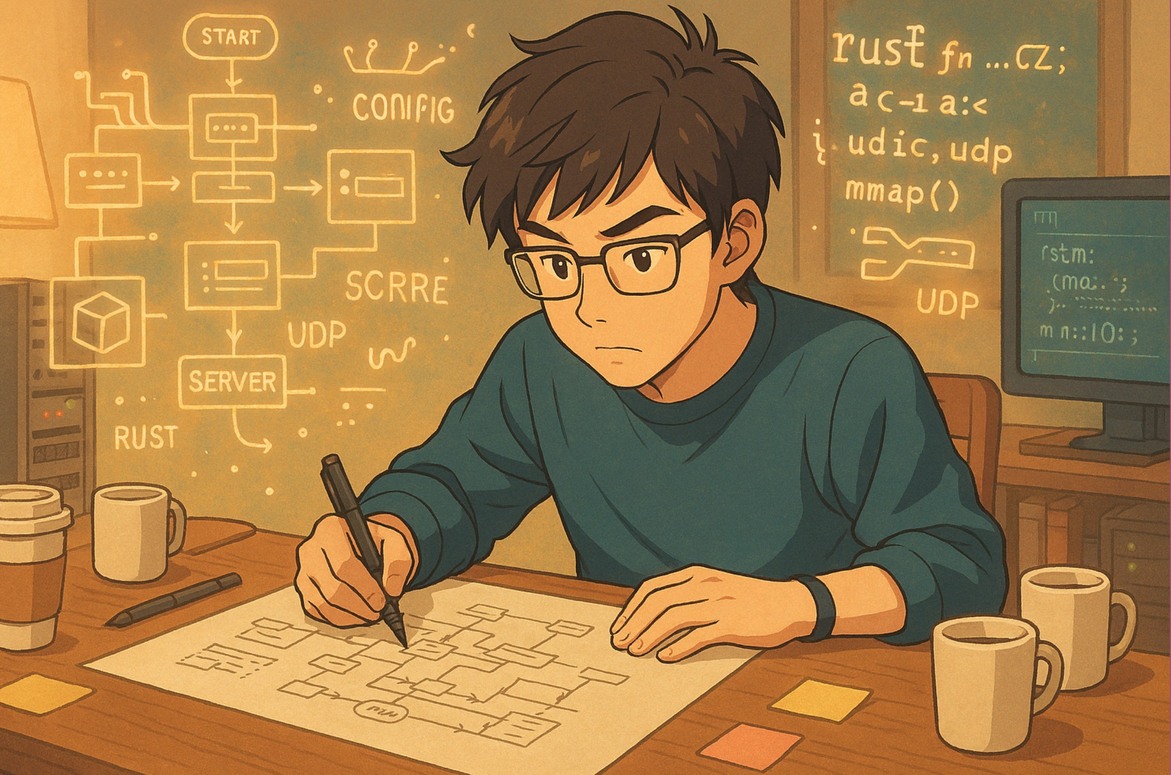
There is a simple way to quickly improve familiarity with business or technical details. Take a large blank sheet of paper on the weekend. Without looking at anything, draw the workflow of your business system and write down every detail you understand. At that moment, the code and docs that usually look boring will suddenly become attractive. In the beginning, the exercise is full of uncertainty, and you will strongly want to check code and docs to fill in the missing details.
This method also works for deeply learning core component code. Data structures are the skeleton of a component, and runtime flow is its blood. By reconstructing them from memory on paper, you can gradually deepen your understanding of the project code. When I learned NGINX, I repeatedly tried to draw its core data structures and runtime flows for different scenarios on blank paper. It was actually quite fun, although I have forgotten a lot by now. The principle is that it forces you to think from the designer's and implementer's perspective, which leads to deeper understanding.
Accumulate Tools and Scripts
In real work, you often have no choice but to share your screen during incident investigation. If you need to analyze production data quickly at that moment, you may regret not having read the documentation for text-processing tools such as AWK. Or a tool may be low-frequency enough that you have simply forgotten how to use it. Or you may need a temporary script to verify a hypothesis. If you search the web live during screen sharing, it can greatly slow you down, and the shared-screen context makes it worse.
To handle this, I keep summarizing which tools I may need during incident investigation, and I document low-frequency but useful commands and tools. Why not high-frequency tools? Because those are already memorized. I even stored many AWK script templates in my snippets tool, partly so that during incidents, people would think I looked professional and briefly believe that maybe this incident would be resolved faster than the last one.
Now that ChatGPT exists, this problem is much easier. For very low-frequency tool usage, ChatGPT can usually answer fluently. But I still think some things are worth doing better. Many low-level tools become much easier to use only after being wrapped around the specific business system. We cannot expect to ask ChatGPT every time something breaks. It is important to turn routine investigation flows into tools in advance.
There is also a special trick. If you do not even want to ask ChatGPT while screen sharing, because a silly question may make everyone in the call feel awkward, you can quickly state your intention and delegate the verification task to another engineer in the call. For example: hey, could you help extract the top 10 domains from the current production core dump? Of course, after the incident, we should turn that GDB script into a reusable tool. I do not have a special hobby of writing scripts live in front of everyone.
Refine the Investigation Process
This is like a postmortem, except it is a personal one. After an incident, recall which parts of the investigation felt rough and which details you were not confident about. Write them down and clarify them one by one.
These details are easily missed in the formal incident review. Only you can truly feel where your own understanding was insufficient during the investigation. Every personal review makes the next incident response smoother. More practically, each personal review should make you at least a little stronger than you were during the previous incident.
Build Features with Failure in Mind
When developing features, we need to ensure three things: canary rollout, observability, and rollback. This is the red line for feature development and architecture iteration. It must be followed. If an incident happens, these will definitely be challenged hard in the postmortem.
For length reasons, I will not expand on how to truly satisfy these three requirements or what details need special attention. That could be another blog post. What I want to emphasize here is how to make sure that every architecture change, project iteration, or even tiny requirement change you touch actively checks these three requirements.
For engineers in high-pressure engineering organizations, everyone usually has several main tasks tied to their KPIs, several important side quests, and a pile of random tasks triggered at any moment. Forgive the GTA-style analogy, but it really feels like that. Ensuring every feature iteration satisfies these three requirements is extremely hard, almost unrealistic. What is sadder is that the features that break production are often the ones we did not have enough energy to properly cover. A rope usually breaks at its thinnest point.
When a feature fails, especially if it was something you temporarily helped someone else with, many people silently curse: damn, the more you do, the more mistakes you make. Do not ask how I know. But I think the following points can improve the situation.
- Make these three elements mandatory in the feature development process. Companies that have suffered enough usually already require this. If your company does not, add that pressure to your personal development process.
- Do not skip them to save time or because you feel lucky. People often think these requirements take a lot of time. I like one saying: many things we postpone for a long time can reach a high level of completion with just a few focused hours. Believe me, the cost of satisfying these three requirements is tiny compared with the fear before an incident and the cleanup after it.
- Learn to reject useless random tasks. I know this has many real-world difficulties. I have been there too. I can only say that questioning the business value of the request and communicating more with your manager may be practical options.
- Spend extra energy when you cannot reject the work. If the third point is impossible, then all that is left is more time. Good luck.
Study High-Quality Incident Postmortems
The Cloudflare engineering blog has many detailed incident write-ups. Learning from postmortems by excellent companies is a rare opportunity. The reason is simple: not every company is willing to honestly disclose the technical details of major incidents. Behind many major incidents are relatively basic mistakes. Many companies choose, from a business perspective, to downplay root causes to avoid hurting customer trust. Cloudflare chooses to disclose details with 100% transparency. I think only a very strong company can do that.
Reading Cloudflare incident posts is also interesting. Sometimes when I see mistakes they made, I immediately remember that we made similar mistakes and caused incidents too. Everyone is human. We make similar mistakes. There is a strange sense of shared fate. I also become curious about how they handled those mistakes and prevented recurrence. These posts are worth rereading because they often trigger new reflections. Here is the first Cloudflare incident post I read, which left a deep impression on me.
https://blog.cloudflare.com/details-of-the-cloudflare-outage-on-july-2-2019/
Mindset
Imagine this scenario: you consider yourself one of the people most familiar with a domain in the team, but during an incident, you have no idea what to do. Then someone else casually gives the key action that pushes the response forward. Thinking about this can make you hesitant. It can feel like incident response is an exam that may appear at any time, and you may always feel you did not perform well enough to get the score you wanted.
I used to worry about this too, but later I understood something: incident response is not really an exam. Exams are mostly for filtering and ranking people. The purpose of incident response is to restore the product and reduce company and customer loss. So incident response is not exclusive. As long as we follow the principles above, efficiently synchronize our investigation plans and results, and try to give our judgments, these worries are not that important. Nobody should become a hindsight expert and say useless things like "why didn't you check this first" or "why didn't you mitigate that way". Everyone was there, everyone communicated their investigation ideas, and even if there were misses, it was a team decision, not something to blame on one person.
When I first started seeing incidents, I watched senior engineers handle them calmly and wondered what I would do if it were my turn. The more I thought about it, the more nervous I became. I would be lucky to use 80% of my ability. Later, after handling more incidents and being forced onto the stage, I found that it was not that impossible. After all, we have the golden rules and personal improvement methods above. I even started turning passivity into initiative, treating incident response as a stage where I could show some ability.
But there is one painful case: when the incident was probably caused by your own feature. That feels like attending your own funeral. Your head hurts during investigation, and your heart is uneasy. It feels like the sky has fallen. Still, we need to keep a constructive mindset, because solving the problem is the first priority. Taking responsibility is fine. At least learn the lesson. If all else fails, we still have the old saying: between the code and the person, at least one must be able to run.
Incident Postmortems
Core Goal and Notes
What is the core goal of an incident postmortem? Simple: make sure the same incident never, ever happens again. Around that goal, there are several things to pay attention to.
First, confirm that the incident has truly been handled. Sometimes the initial response uses a blunt mitigation, just as the first golden rule says: restore the business first, at any cost. After that, we still need a more stable way to correct the system.
Next, reconstruct the incident timeline. When did it happen? How long did it take to alert? When did someone begin handling it? What actions were taken? Which actions worked, which did not, and what impact did each action have? More importantly, these timestamps should ideally be precise to the second.
This process is painful because it triggers many hard questions. Why did alerting take so long? Why did mitigation take so long to confirm? Why were there so many ineffective actions? Pain makes people reflect and grow, and it reveals gaps to close.
Finally, identify the root cause and define actions. For root cause analysis, following the timeline and asking "why" several times usually makes things clear. The action items need more care. Normally, every action needs an owner and a reasonable deadline. But I think several details are especially important.
- Do not trust people. Use rules and systems to guarantee the lower bound of production behavior. Do not measure whether something will happen by whether a person is reliable or professional. Use proper actions to avoid the problem. That is what "focus on the issue, not the person" should mean.
- Generalize from one case and think globally. For example, if an incident was caused by DNS-related issues, do not only fix the place where it happened. Review every DNS-related function in the production system and ensure similar problems do not recur.
- Besides assigning owners and deadlines, how do we ensure action quality? I think actions should be implemented with the same rigor as feature iterations. Regular incident drills and timely tests of related actions are also necessary.
- What if the incident happens again before the action is complete? Yes, I have seen this. It was a nightmare. So when defining actions, we also need temporary plans that protect the system during the gap before the full fix lands.
About Responsibility
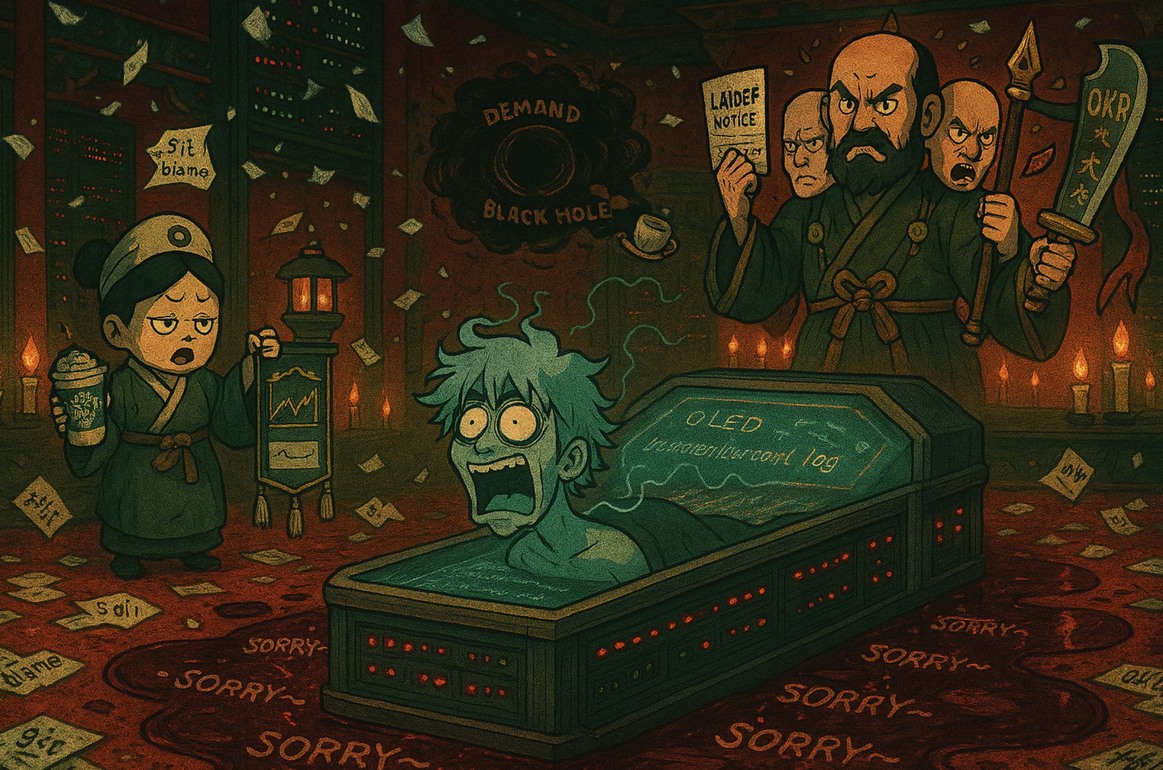
Joining an incident review feels like attending a funeral. If you caused the incident, it is your own funeral. I attended dozens of funerals in those years. Many companies say incidents should not blame individuals, but rights and obligations are paired. If we are paid to do the work, we also need to bear the consequences of failures. Of course, by "bear responsibility" I mean impact on individual or team performance. If a company asks engineers to pay money for incidents, I suggest leaving immediately. I hope such companies exist only in my imagination.
Sometimes an incident is too serious for the engineers closest to it to carry, so managers on the reporting line take responsibility. To be honest, that can feel even worse than carrying it yourself. I also believe some companies can truly practice Blame Free. But for responsible people, admitting and facing mistakes is still a discipline.
So most people are in real pain during their own incident reviews. I can relate, because I caused a few things too. Some of them were not formally treated as incidents because of luck, but they still hit me hard.
I do not have especially good advice here. I think most of what I can summarize has already been said above. Keep your mindset steady. The company paid real money for this lesson, and the eternal theme is to summarize, learn, grow, and ensure the problem does not happen again. If it really does not work, there is always the final move: leave.
This reminds me of an operations engineer from long ago. During a release, he first went out for a cigarette to relax. Then he came back and pushed the version to the wrong central data center. Game over. An incident happened. But in the review meeting, he was still relaxed and articulate. He analyzed the current system's defects, assigned actions skillfully, and seemed completely unaffected. That shocked me a little at the time. Whatever else one might say, that mindset is worth learning from.
Epilogue
Those years on call helped me grow at work, but they also left marks on my body and mind. Even now, when I see a phone call come in, I still get a little tense. I wonder whether my work laptop is nearby, whether another system has broken, and whether this whole year of work is about to be wasted.
I suddenly remember one team-building trip where I shared a room with my manager. In the morning, a company conference call suddenly rang. We looked at each other for several seconds with very serious expressions, then slowly answered it. It turned out to be a call started by other teammates on the trip to discuss what to eat for breakfast. Afterwards, I strongly protested and condemned this behavior. Starting a work conference call just to discuss breakfast can really kill people.
Many incidents happened when I was completely unprepared. I remember a few clearly. Once I was traveling in Chengdu. I started handling an incident at Wuhou Shrine and was still handling it by the time I reached Jiuyan Bridge. Yes, I was clever enough to bring my laptop while traveling. Another time was Christmas night. I was about to take my wife out for a nice dinner when I was pulled into an emergency call. In those moments, my wife usually sat next to me angrily and asked the exact same question as the business people in the call: when will this finally end?
As I wrote this post, many past incident scenes replayed in my mind like a movie. Some were happy highlight moments. Some were painful and low. Thinking about it, I even miss those days a little. Maybe the reason I can miss them now is that I have not been on call for a long time. After too many good days, the mind starts wandering.
Epilogue 2.0
After finishing this post, I felt refreshed and could not resist opening a thread on V2EX to share it. There were more replies than I expected, and many people resonated with it. A lot of people also shared their own experiences and reflections. As expected, anyone in this line of work has suffered from this. My blog is still static and does not support comments, so I am putting the thread link below for discussion. Maybe I should add comments to the blog later, because I do look forward to valuable comments appearing directly on the blog page. I originally thought I would mostly write niche technical posts and did not expect many comments. It turns out summary-style posts get more readers. I spent much more effort writing the QUIC protocol stack series than this casual post, yet very few people came to discuss it with me.
https://www.v2ex.com/t/1126452
Also, the incidents shared in this post are only a tiny fraction of the real production incidents I have experienced. There were many severe incidents with messy and fragile background stories, and they would strongly support the points in this post. But the world is small. If I write too freely for momentary satisfaction, it could become dangerous. If we meet again somewhere in this industry, hopefully not, the scene would be very awkward.
Some former colleagues have already asked whether this post was written by me. I hope the people in the examples do not see it, especially the operations engineer who was so articulate in the review meeting. I do not mean anything else. I just thought you looked very cool during that incident review.